
Overview
The Customer Portal is a self-service interface designed to give subscribers direct access to their account, billing, and support — without routing routine requests through your support team. This article describes the portal's four capability areas and explains how each one reduces operational overhead for your organization.
The Problem It Solves
Without a self-service portal, operators commonly face:
- Support overload — Every billing question, status check, and address change hits the support queue
- Zero visibility for subscribers — Subscribers cannot see order status, invoices, or ticket progress without calling in
- Manual billing operations — Payment method changes and invoice disputes consume staff time that does not scale
Capability Areas
My Account & My Services
Subscribers can manage their own account settings without staff involvement:
- Update account details and password
- Set communication preferences
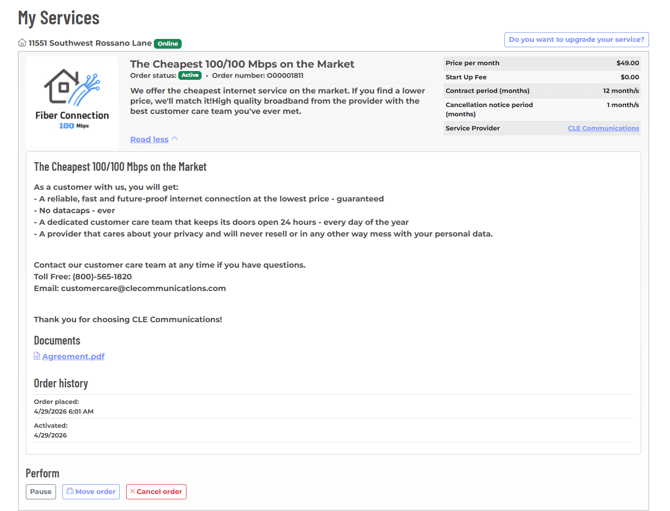
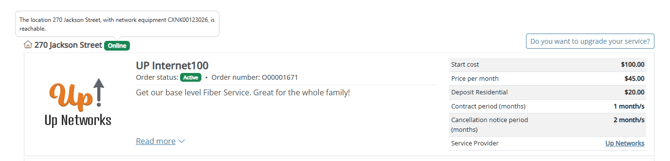
- View full service details, including pricing, contract terms, notice period, and binding period
- Pause, cancel, or move service (if allowed by Operator)
This reduces inbound contacts related to basic account administration.
-png.png?width=670&height=367&name=prvfiber-broadbandportal-net_Jacksonville_Account_Modify%20(1)-png.png)
Billing
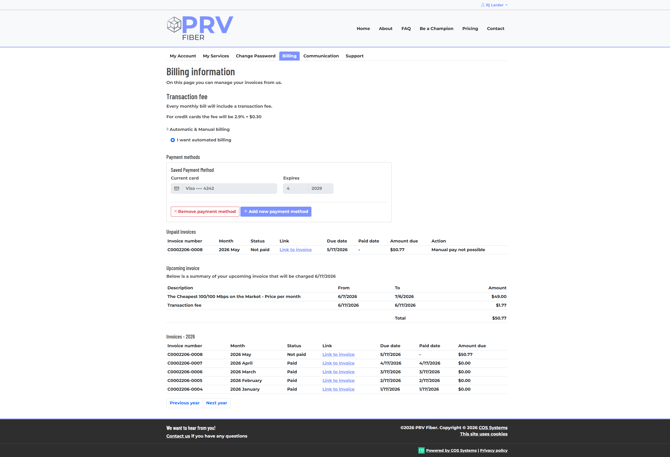
Subscribers have full visibility into their billing and can manage payments independently:
- View upcoming and past invoices
- Add or change payment method
Support
Structured support tooling that keeps subscribers informed and reduces repeat contacts:
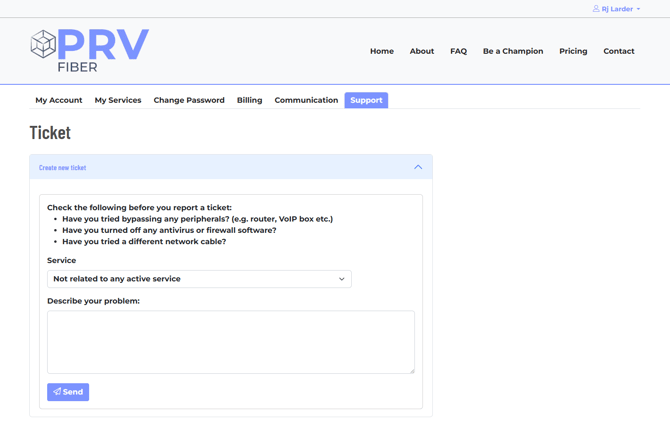
- Submit a ticket and follow the full threaded conversation in one place
- View ONT status directly in the portal
- Receive real-time disruption notifications
Threaded ticket conversations reduce back-and-forth and give subscribers a clear record of their case without needing to follow up by phone or email.
Orders & Work Orders
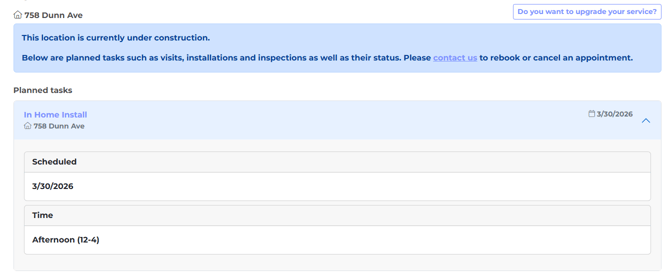
Subscribers can track service orders and equipment status without calling in:
- View work order schedule
- Access order, signup, and survey history
- Monitor ONT online/offline status in real time
Open Access Compatibility
The portal is built to support Open Access environments. Subscriber views are provider-aware, meaning each subscriber sees only the services and billing information scoped to their own provider. No additional configuration is required to separate data between providers.
Missing a Feature in Your Customer Portal?
If there's something you'd like to offer your subscribers that isn't currently available in your portal, don't hesitate to reach out to COS Systems Support — we'll help you get it set up.