
Billing and payment settings can be configured per customer type. This makes it possible to apply different rules for Residential and SMB customers, for example — without affecting other customer types. Settings such as due date and late fee can be set independently per customer type, giving full flexibility to tailor billing behavior based on customer segment.
Configuration
Go to the Customer Type that you want to edit settings for and open the Settings tab.
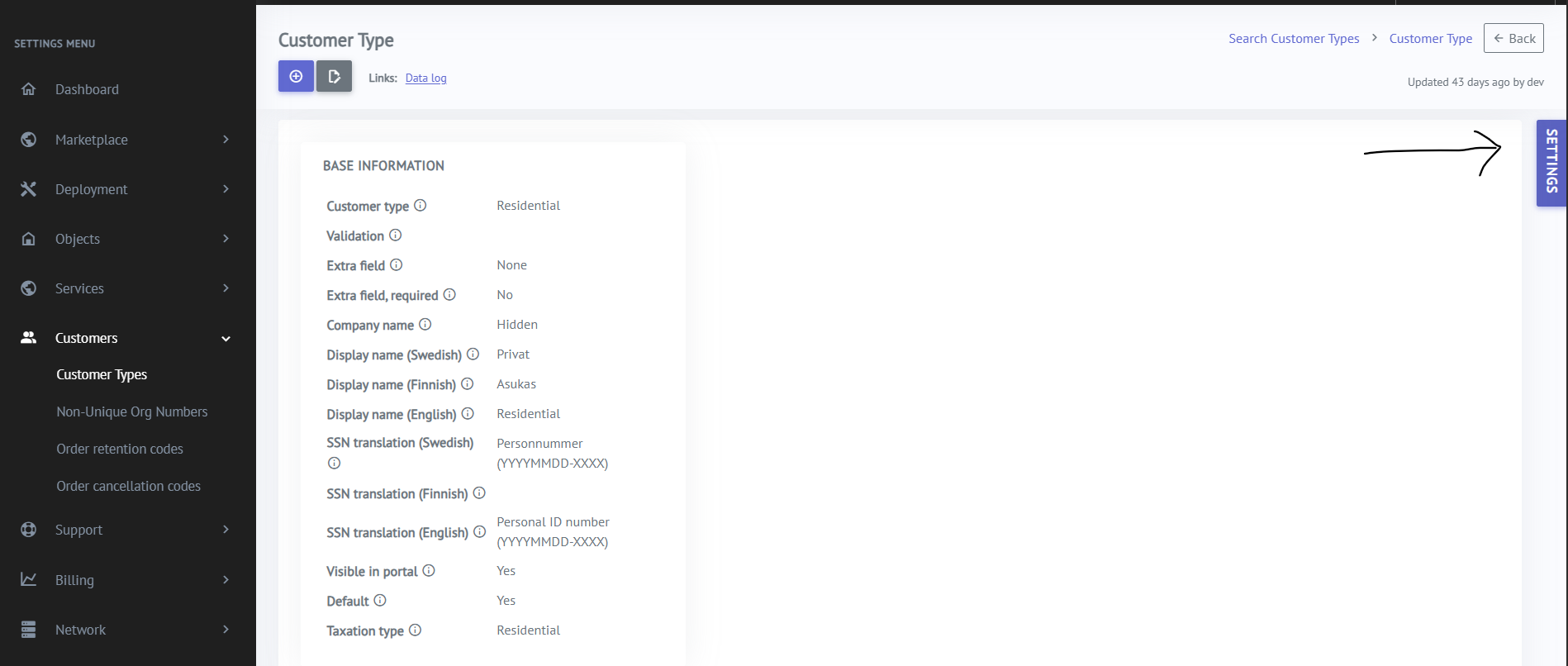
Press Edit - Insert value - Update to change the value for that specific Customer Type
Press Restore value to restore global default setting value.
