Identify Order and locate the Network Contract
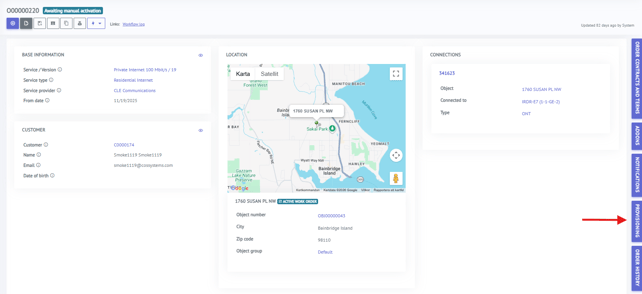
- Make sure that the Order you're trying to activate has the status "Awaiting manual activation".
- Locate the Network Contract by opening the side-tab called "Provisioning".
- Make sure to select the correct Network Contract from the menu, it should have a button called "Sign" in the right-most column. This can also be deduced by the fact that the "Terminated" status is "No".
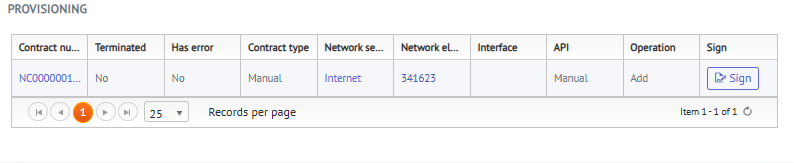
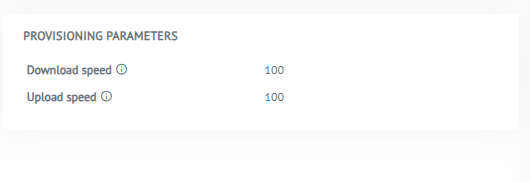
- You can now either press the "Sign" button in this view, or you can press the contract number (the number in the left-most column) to inspect the contract and make sure the provisioning parameters are mirroring what your provisioning system is supposed to send.
In this example, a 100/100 service is being provisioned, and the parameters for download/upload speed here look correct.