
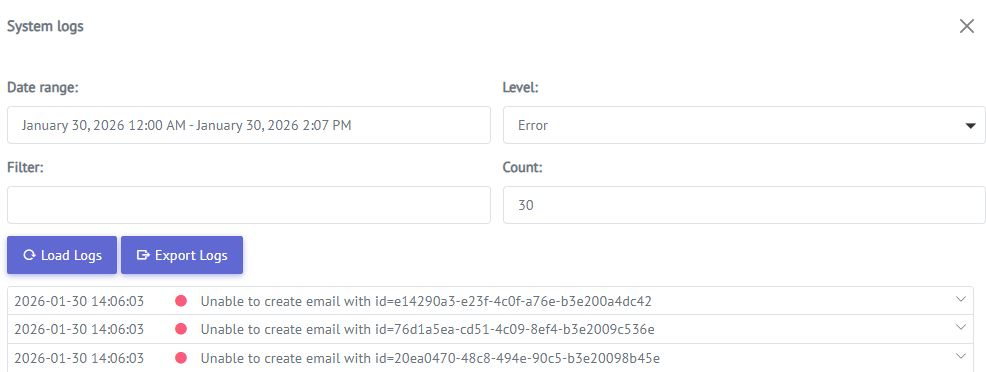
System Logs are accessible from the top menu and are available to users with the CO Administrator, CO TechAdministrator, and CO SuperAdmin profiles.

Purpose of System Logs
System Logs are designed to support operational transparency and efficient troubleshooting by:
-
Providing insight into provisioning flows and system integrations
-
Allowing operators to inspect synchronization results from external systems (for example, Vetro)
All relevant system communication is logged automatically, enabling faster diagnosis and resolution of issues.
Log Content and Behavior
The System Logs include messages and events created during communication between different system components, such as:
-
API calls and responses
-
Provisioning and synchronization events
-
Integration-related messages
-
System-level errors and warnings
Log entries are automatically filtered based on context. For example, when viewing a specific object or order, only log entries related to that entity are shown. This ensures that the information presented is relevant and easy to interpret.
Summary
System Logs provide a comprehensive and structured view of system activity, making it possible to monitor integrations, validate provisioning, and troubleshoot issues efficiently. With automatic filtering, searchable entries, they are a core operational tool for maintaining system reliability and transparency.