
In preparation for this change, contact COS support before proceeding further.
- Add ports on the ONT according to the number of ports and starting position.
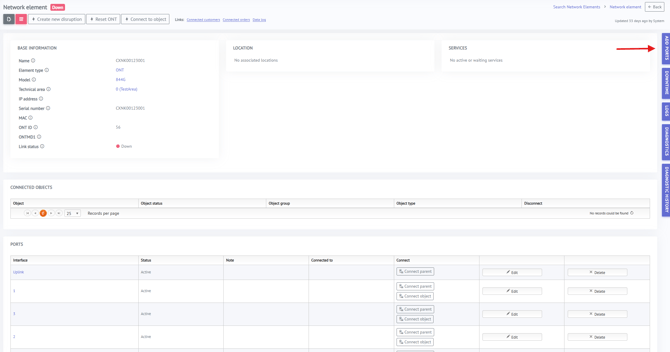

- Edit the name of the ONT port to match the exact name that exists in SMx.
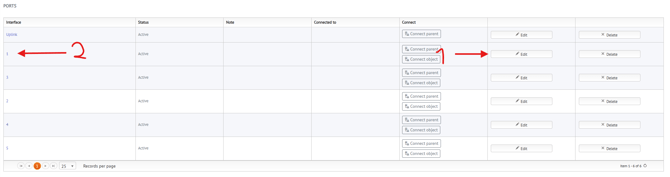
- Then connect the Objects to the correct port:
1. From the Object view select "Connect Port to Object":
2. Search for the ONT name and select it: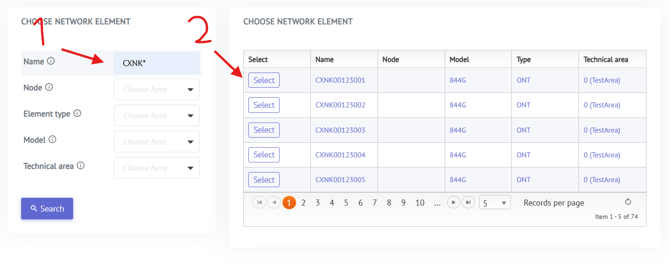
3. Select the port that is connected to this specific object (port 1 is just an example):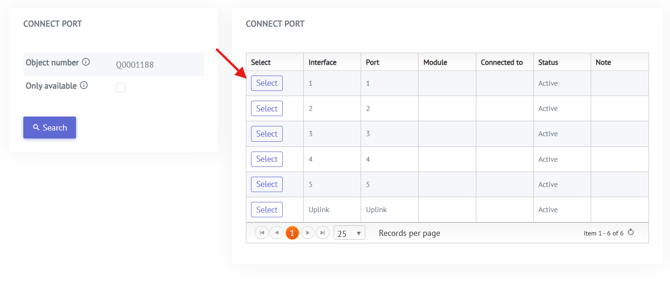
Or from the ONT view:
1. Select the "Connect Object" button: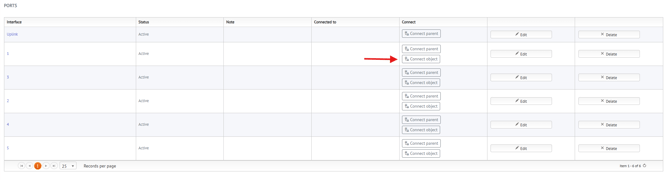
2. Search and select the correct Object: