
Whether terms are required at all is defined by the Connected file types set on the Service Type Definition
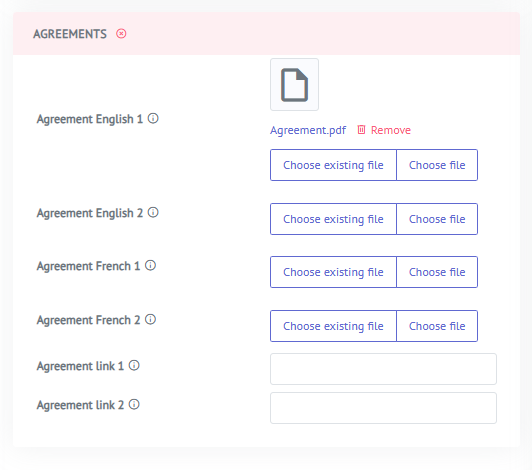
Document Upload
Agreements must be uploaded per available language in the Marketplace.
To upload an agreement:
- Go to the Service record
- Navigate to the Agreements section
- Upload the relevant document for each available language
URL-based Terms
Instead of uploading a document, operators can point to an external URL where the terms and conditions are hosted.
To add a URL:
- Go to the Service record
- Navigate to the Agreements section
- Enter the URL to the terms and conditions page
Important: When using a URL, operators are responsible for tracking which version of the terms was in effect at the time of a subscriber's order. The date of acceptance is saved on the order, but the system does not store a snapshot of the linked page. It is therefore recommended to maintain a version history of the linked terms externally.